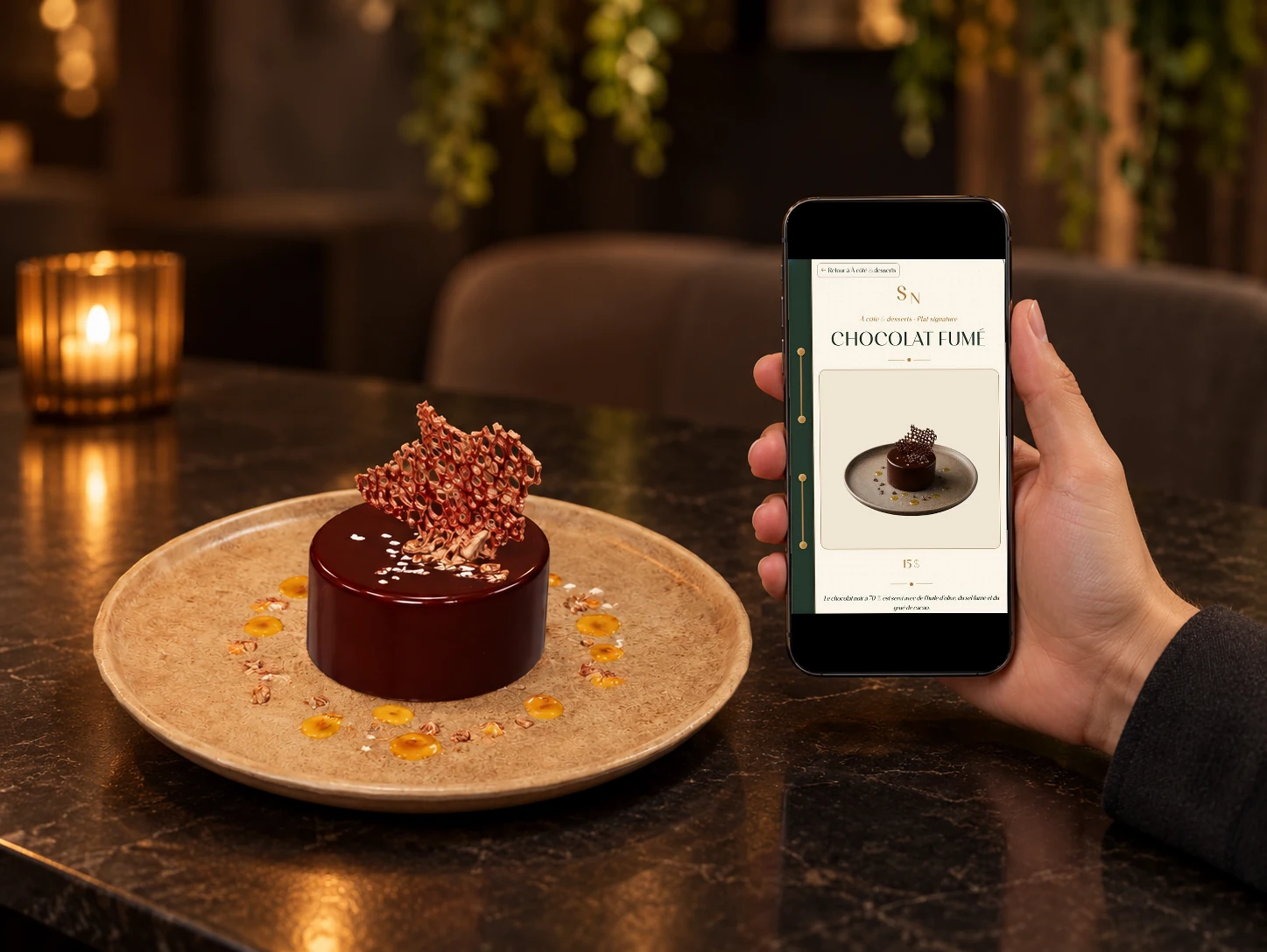
Replace PDF

Replace a restaurant PDF with a real mobile menu.

Replacing a restaurant PDF menu means moving from a static file to a mobile experience built for the table. Vistaire structures the menu into readable categories, visual dish pages, prices, allergens and selective 3D/AR, so the QR code opens something clearer and more premium than a document.

Comparaison entre menu PDF et menu digital Vistaire

Restaurant context

Where the PDF starts to fail

A PDF is easy to send and print, but it usually reproduces a paper layout on a small phone screen.

When the restaurant wants a premium table-side experience, the menu needs hierarchy, visuals and concise information around each dish.
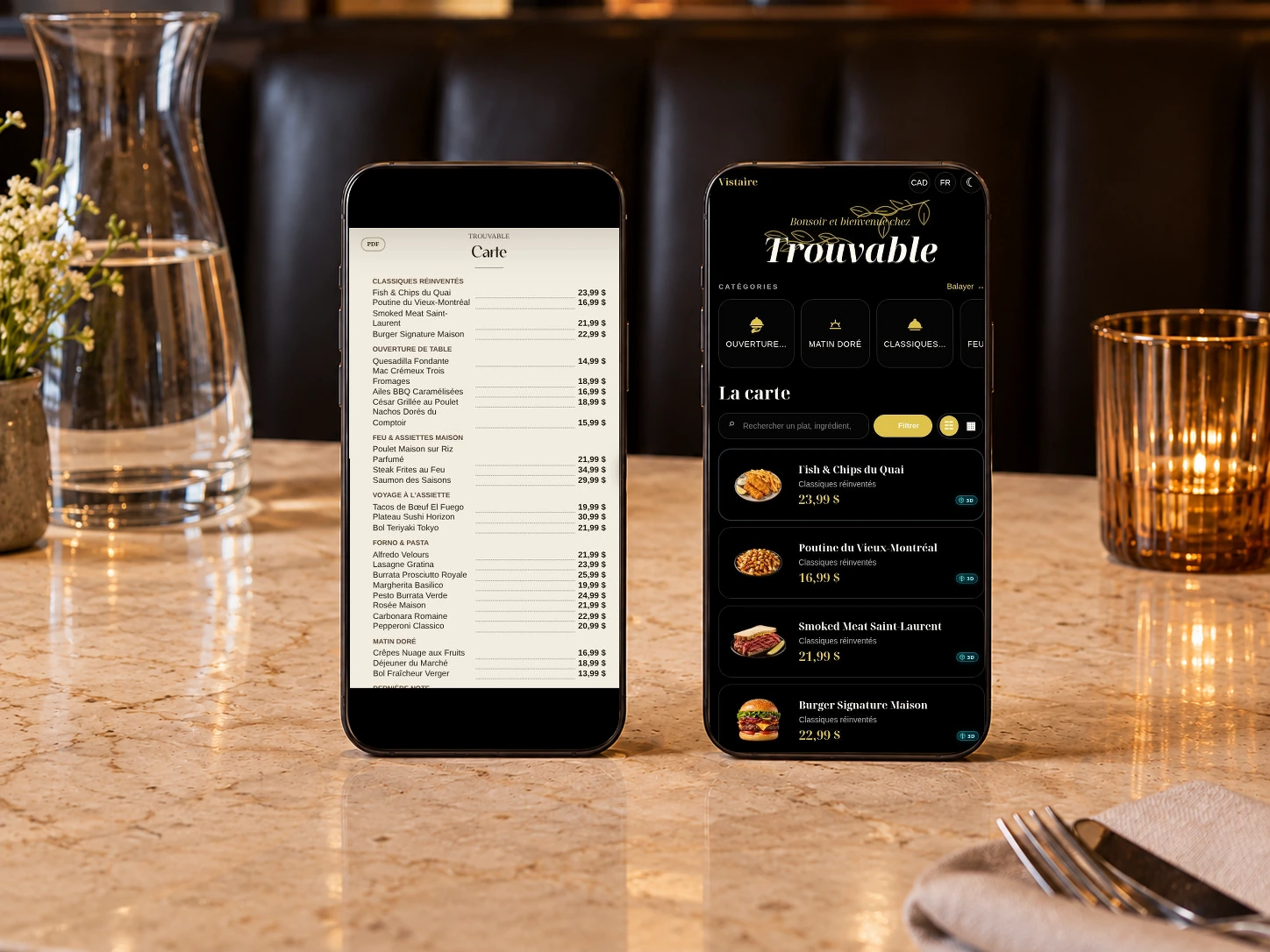
less pinch-and-zoom reading

dish pages instead of dense pages

updates that are not tied to one file

Détail d'un menu PDF remplacé par une lecture mobile

With Vistaire

From static document to mobile experience

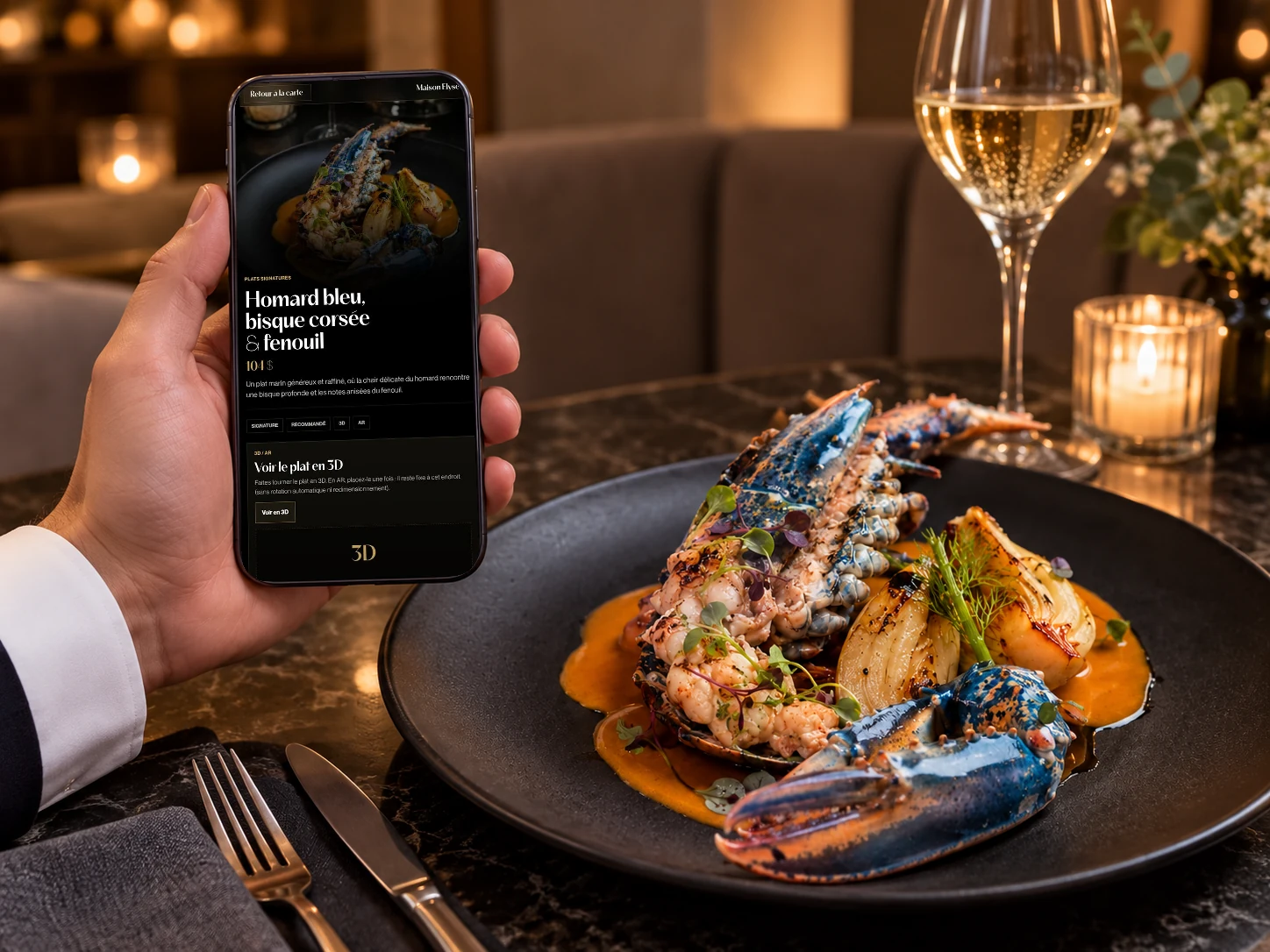
Vistaire keeps the useful menu content and rebuilds the presentation around the guest's phone: categories, dish pages, photo fallback and selective immersive moments.

  • PDF replacement
  • mobile hierarchy
  • photos
  • allergens

Included

What a Vistaire menu includes

The presentation keeps the same Vistaire direction: mobile-first, food-first, restrained and useful during service.

QR code

A simple table access point that opens the menu without forcing guests to install an app.

Mobile menu

Categories, prices and descriptions designed for quick reading on a phone during service.

Dish pages

Short pages for dishes that need a photo, concise story, allergens, options or pairing details.

Photos and fallback

Validated visuals with a clean presentation even when a 3D asset is not available.

Allergens

Useful information placed near the dish, while keeping the dining room team central.

Selective 3D/AR

An immersive layer only for compatible dishes where volume helps the guest understand the plate.

Menu digital Vistaire utilisé comme alternative au PDF

Comparison

PDF menu or Vistaire menu?

The difference should stay concrete: readability, image, useful information and mobile performance.

CriterionPDF menuVistaire
MobileA file the guest has to zoom and search.A menu designed for the screen in hand.
DishesDescriptions are locked into a static layout.Each important dish can receive a visual page.
Premium feelThe file can feel detached from the room.The experience matches the restaurant atmosphere.

Questions

Common restaurant questions

Short answers to help prepare the menu, align the team and clarify the table experience.

Can Vistaire replace a restaurant PDF menu?

Yes. Vistaire can turn the QR experience into a structured mobile menu instead of a PDF file.

Do we need to abandon the PDF immediately?

No. Some restaurants keep a PDF as an archive while making the mobile menu the guest-facing experience.

Does the guest need to install an app?

No. Vistaire opens in the mobile browser after a QR scan, so the guest can read the menu without downloading anything.

Does Vistaire load 3D or AR immediately?

No. 3D and AR stay selective and open only after the guest actively opens a compatible dish page.

Can the restaurant keep a printed menu?

Yes. Vistaire can complement a printed menu or become the main QR-scanned experience depending on the service style.

Next step

Prepare a coherent Vistaire experience.

The path points to useful guides, the sample menu and booking flow so restaurants can keep moving clearly.