QR code
A simple table access point that opens the menu without forcing guests to install an app.
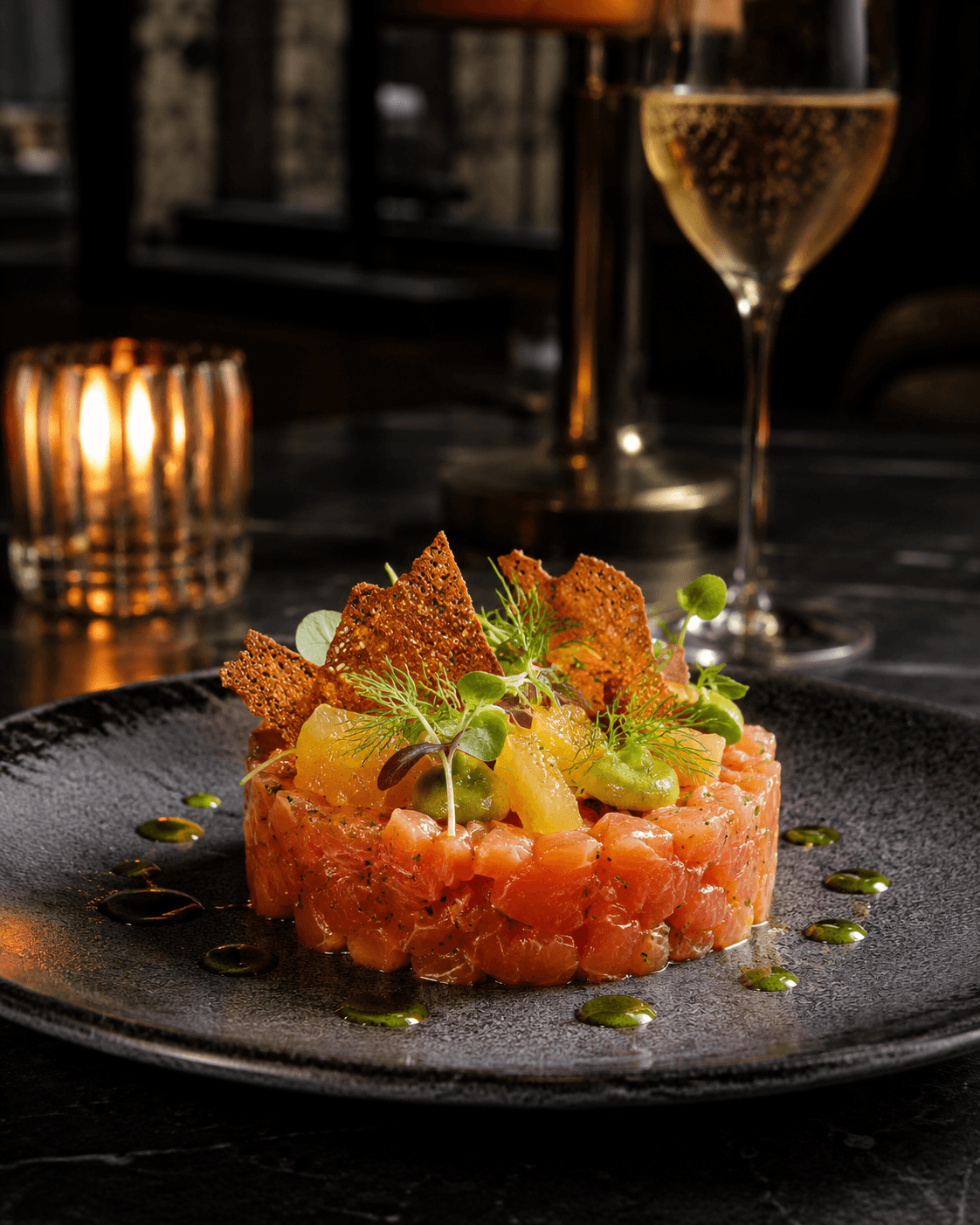
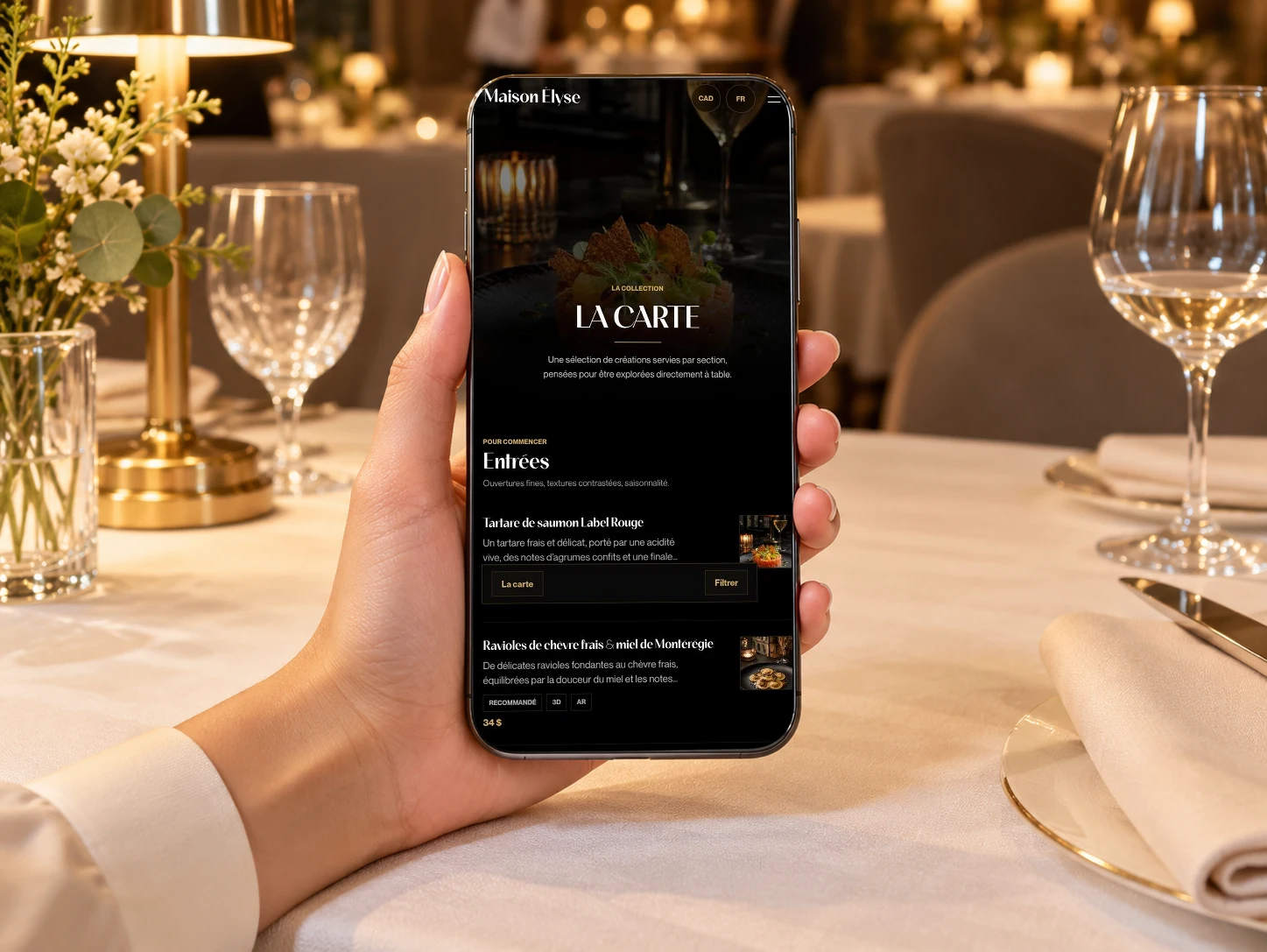
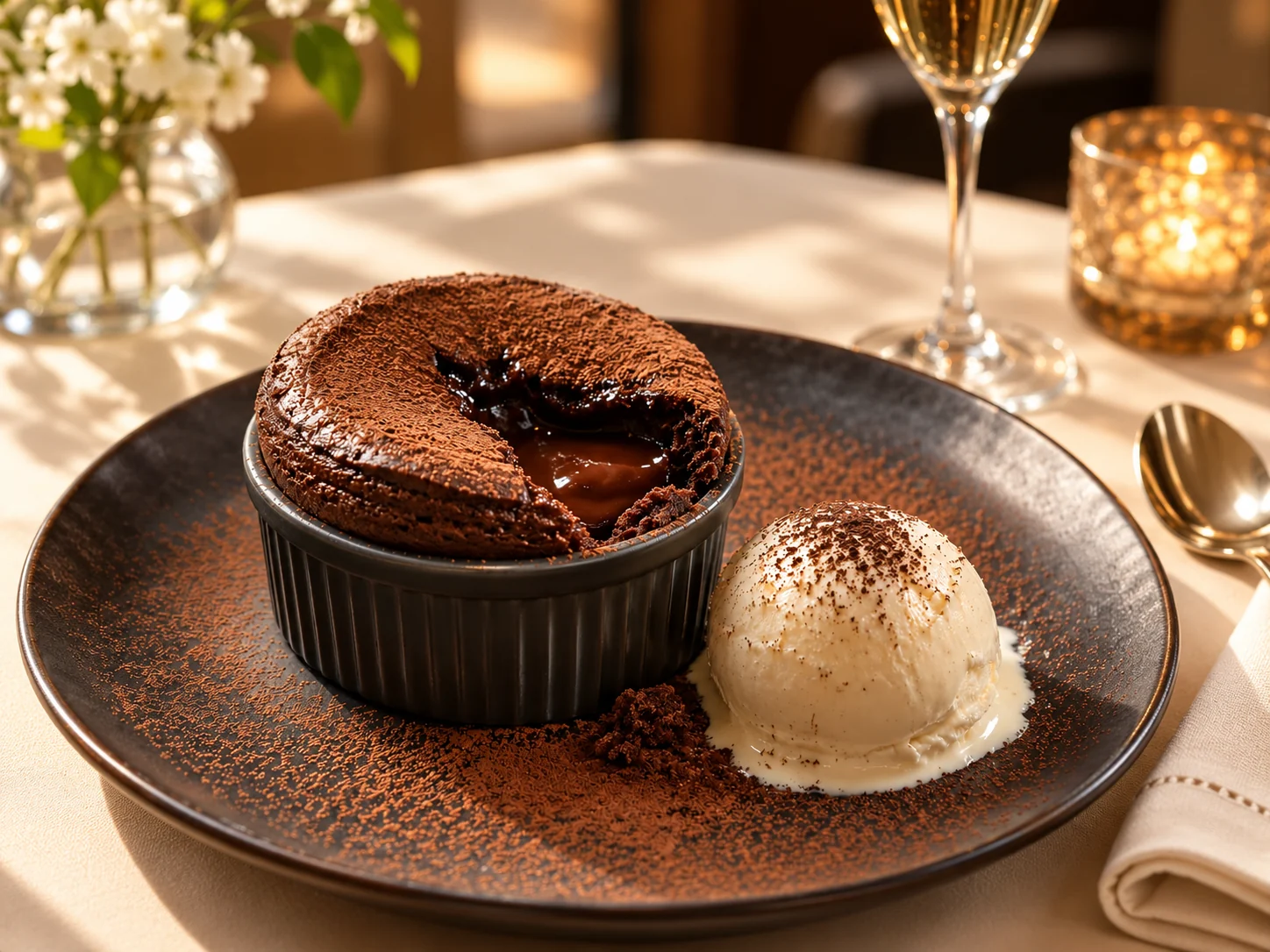
A restaurant menu with photos works best when visuals are used deliberately, not as decoration on every line. Vistaire places food photos inside a mobile hierarchy with dish pages, prices, allergens and short descriptions, so the image supports the guest's choice while the menu still feels calm and premium.
A restaurant menu with photos works best when visuals are used deliberately, not as decoration on every line. Vistaire places food photos inside a mobile hierarchy with dish pages, prices, allergens and short descriptions, so the image supports the guest's choice while the menu still feels calm and premium.
Vistaire uses visuals where they help: signatures, dishes with texture, desserts, cocktails and items that need more explanation.
A simple table access point that opens the menu without forcing guests to install an app.
Categories, prices and descriptions designed for quick reading on a phone during service.
Short pages for dishes that need a photo, concise story, allergens, options or pairing details.
Validated visuals with a clean presentation even when a 3D asset is not available.
Useful information placed near the dish, while keeping the dining room team central.
An immersive layer only for compatible dishes where volume helps the guest understand the plate.
| Criterion | Photo-heavy | Vistaire |
|---|---|---|
| Visual rhythm | Many images compete for attention. | Images support selected dishes. |
| Quality | Uneven photos can weaken the brand. | Photos are integrated with fallback logic. |
| Reading | The menu can become harder to scan. | Text and visuals keep a clear hierarchy. |