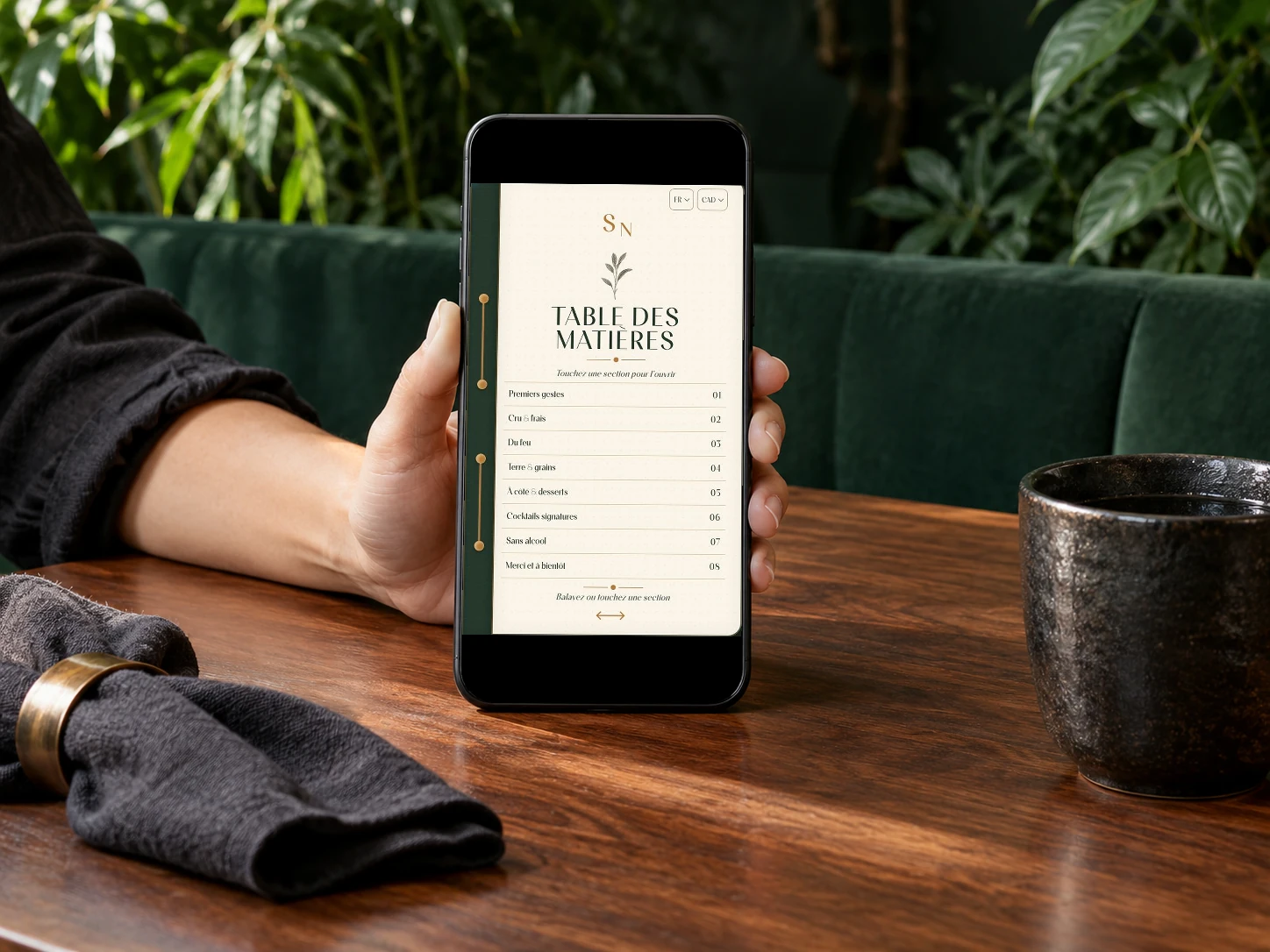
No app download

A digital menu without asking guests to download an app.

A restaurant digital menu can work without any app download when the QR code opens a fast browser experience. Vistaire keeps the journey simple for guests: scan, browse categories, open dish pages, read prices and allergens, then use selective 3D/AR only when the dish benefits from it.

Menu digital Vistaire ouvert dans le navigateur mobile

Restaurant context

Why avoid an app download at the table?

A guest sitting down to eat rarely wants to install software, create an account or accept extra prompts before reading the menu.

The menu should open quickly in the browser, keep the restaurant brand visible and let the service continue naturally.
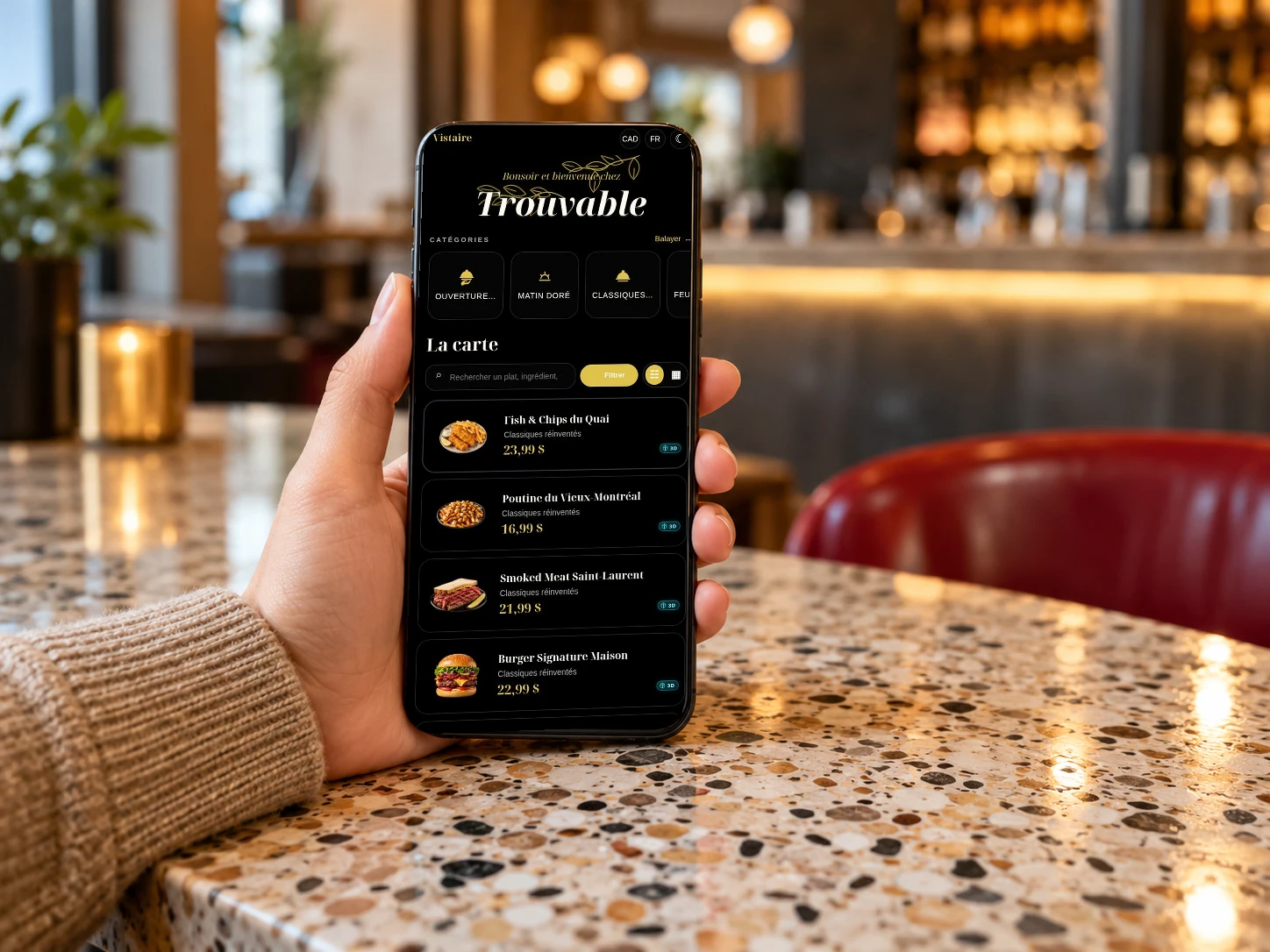
no store download

no guest account required

a mobile menu that stays focused on the meal

Client consultant un menu digital à table sans application

With Vistaire

A menu that opens in the browser

Vistaire is designed as a mobile-first web experience. The guest scans the code, opens the menu, reads the dish page and moves back to the table conversation without app friction.

  • browser-based
  • fast scan
  • dish details
  • no app install

Included

What a Vistaire menu includes

The presentation keeps the same Vistaire direction: mobile-first, food-first, restrained and useful during service.

QR code

A simple table access point that opens the menu without forcing guests to install an app.

Mobile menu

Categories, prices and descriptions designed for quick reading on a phone during service.

Dish pages

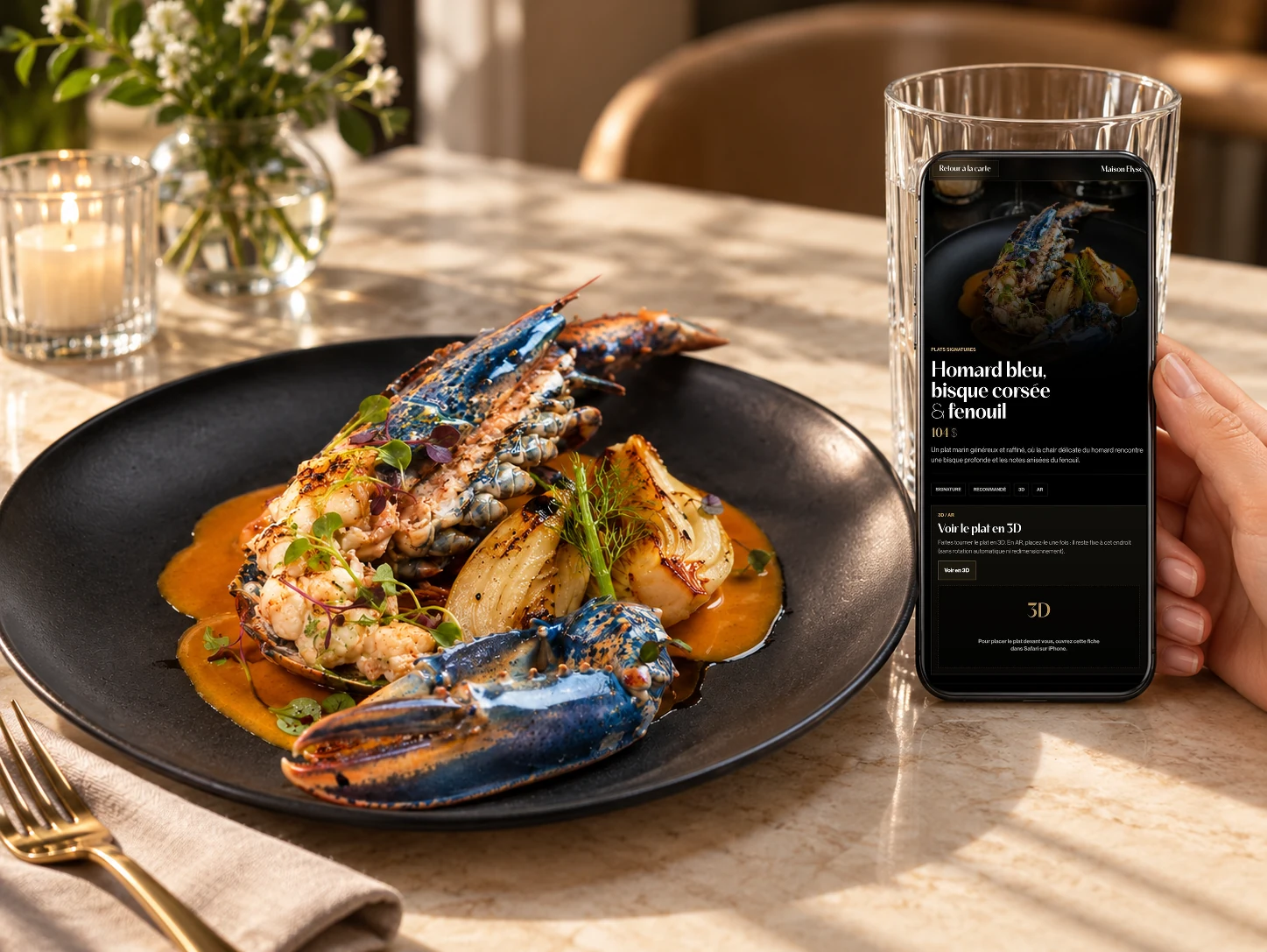
Short pages for dishes that need a photo, concise story, allergens, options or pairing details.

Photos and fallback

Validated visuals with a clean presentation even when a 3D asset is not available.

Allergens

Useful information placed near the dish, while keeping the dining room team central.

Selective 3D/AR

An immersive layer only for compatible dishes where volume helps the guest understand the plate.

Expérience mobile Vistaire avec présentation visuelle des plats

Comparison

App menu or browser menu?

The difference should stay concrete: readability, image, useful information and mobile performance.

CriterionApp flowVistaire
AccessThe guest may face install and permission prompts.The menu opens directly in the browser.
ServiceThe digital step can interrupt the table rhythm.The menu stays quick and discreet.
BrandThe app layer can feel generic.The mobile page keeps the restaurant image central.

Questions

Common restaurant questions

Short answers to help prepare the menu, align the team and clarify the table experience.

Can guests use Vistaire without an app?

Yes. Vistaire opens in the mobile browser after a QR scan.

Does a no-app menu still feel premium?

Yes, if the page is designed for mobile reading, food-first visuals and a calm restaurant experience.

Does the guest need to install an app?

No. Vistaire opens in the mobile browser after a QR scan, so the guest can read the menu without downloading anything.

Does Vistaire load 3D or AR immediately?

No. 3D and AR stay selective and open only after the guest actively opens a compatible dish page.

Can the restaurant keep a printed menu?

Yes. Vistaire can complement a printed menu or become the main QR-scanned experience depending on the service style.

Next step

Prepare a coherent Vistaire experience.

The path points to useful guides, the sample menu and booking flow so restaurants can keep moving clearly.