QR code
A simple table access point that opens the menu without forcing guests to install an app.
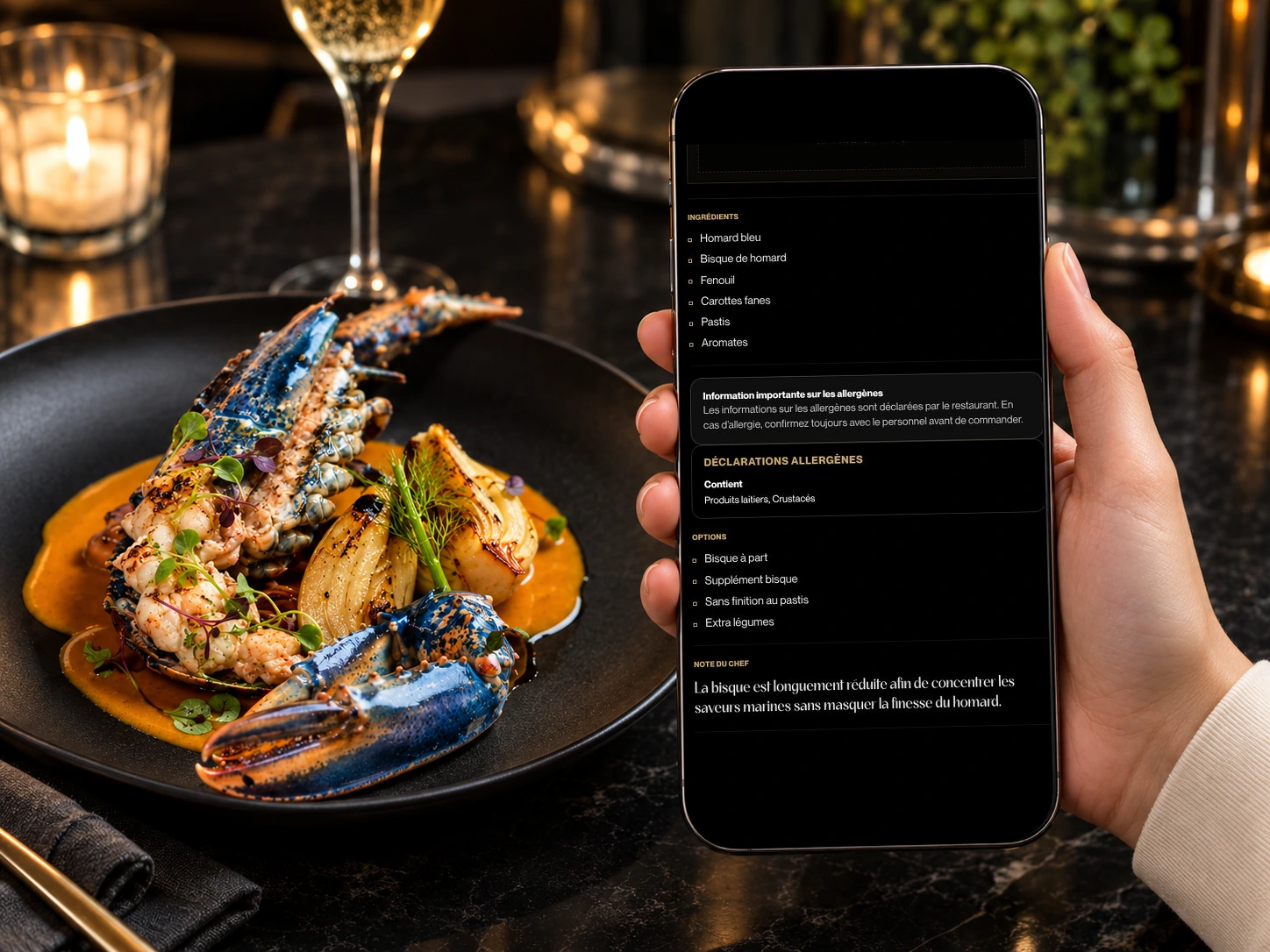
Restaurant menu allergens should be visible near the dish, but they should not replace the dining room team's guidance. Vistaire places allergen and option information inside mobile dish pages, alongside photos, prices and short descriptions, so guests can understand the menu while staff remain responsible for confirmation.
Restaurant menu allergens should be visible near the dish, but they should not replace the dining room team's guidance. Vistaire places allergen and option information inside mobile dish pages, alongside photos, prices and short descriptions, so guests can understand the menu while staff remain responsible for confirmation.
A digital dish page can show useful details in context while still making room for conversation with the team.
For a sensitive dietary need, always confirm the information with the restaurant team.
When allergen notes are far from the item, guests have to search and staff must repeat basic information more often.
Copy can remind guests to confirm with staff.
A simple table access point that opens the menu without forcing guests to install an app.
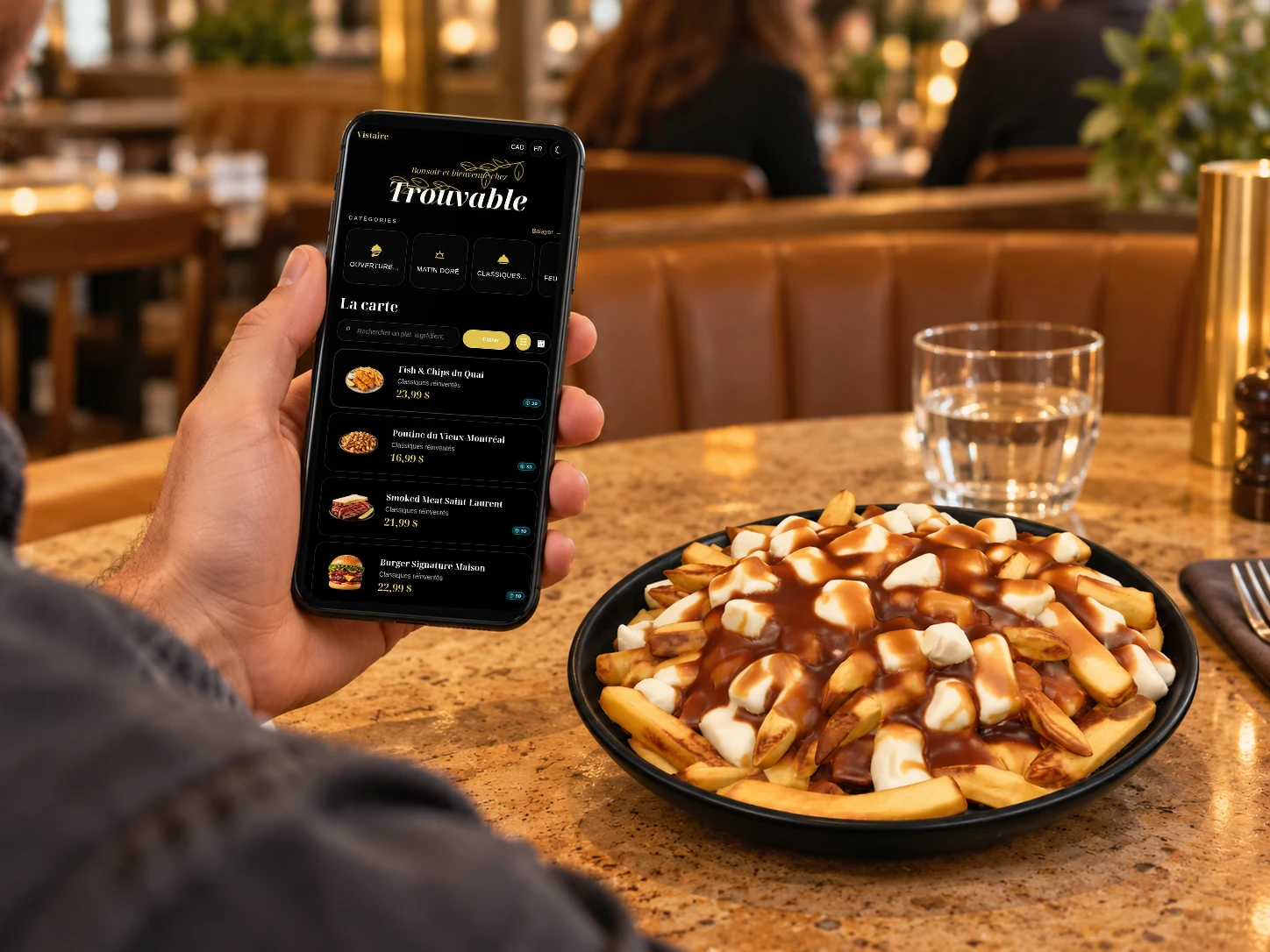
Categories, prices and descriptions designed for quick reading on a phone during service.
Short pages for dishes that need a photo, concise story, allergens, options or pairing details.
Validated visuals with a clean presentation even when a 3D asset is not available.
Useful information placed near the dish, while keeping the dining room team central.
An immersive layer only for compatible dishes where volume helps the guest understand the plate.
| Criterion | Static notes | Vistaire |
|---|---|---|
| Context | Information may be separate from the dish. | Details sit inside the dish page. |
| Clarity | Guests must search for the right note. | The page keeps useful signals together. |
| Responsibility | The menu may look like the only source. | Copy can remind guests to confirm with staff. |